 to download the PSHM map data which are based on the settings mentioned above.
Click "Averaged Hazard" menu item which is a child of "Probabilistic Seismic Hazard Maps" on Download page and the following view appears.
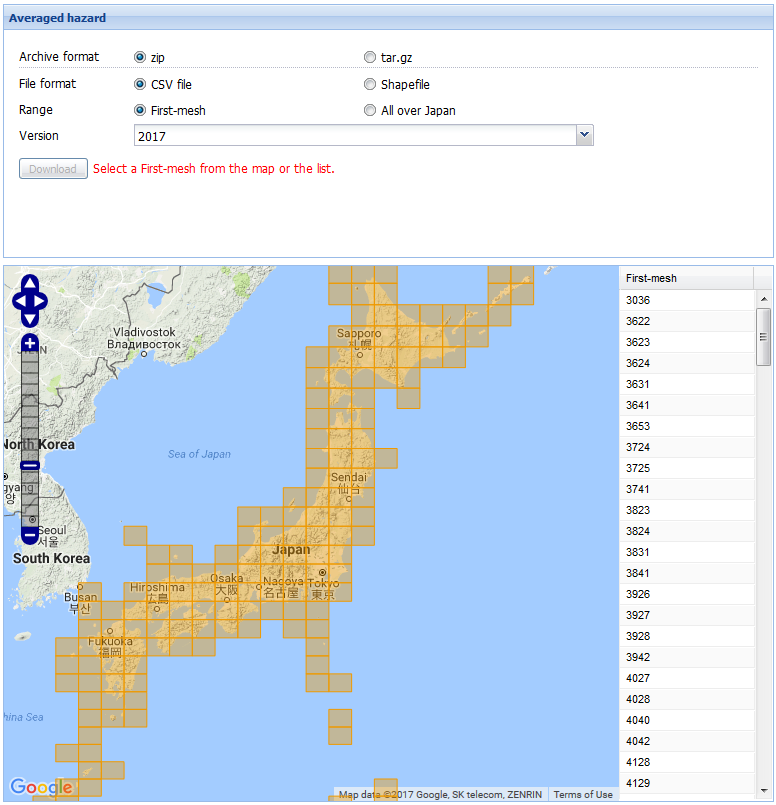
You can select an archive format from "zip" and "tar.gz" using the radio buttons.
You can select a file format from "CSV file" and "Shape file" using the radio buttons.
You can select data range from "First-mesh" and "All over Japan" using radio buttons.
When clicking "First-mesh" radio button, the first-mesh map such as above figure appears.
You can select the first-mesh from clicking rectangular mesh in the map or clicking mesh code on the table.
Click to download the PSHM map data which are based on the settings mentioned above.